Works with your slides and calls
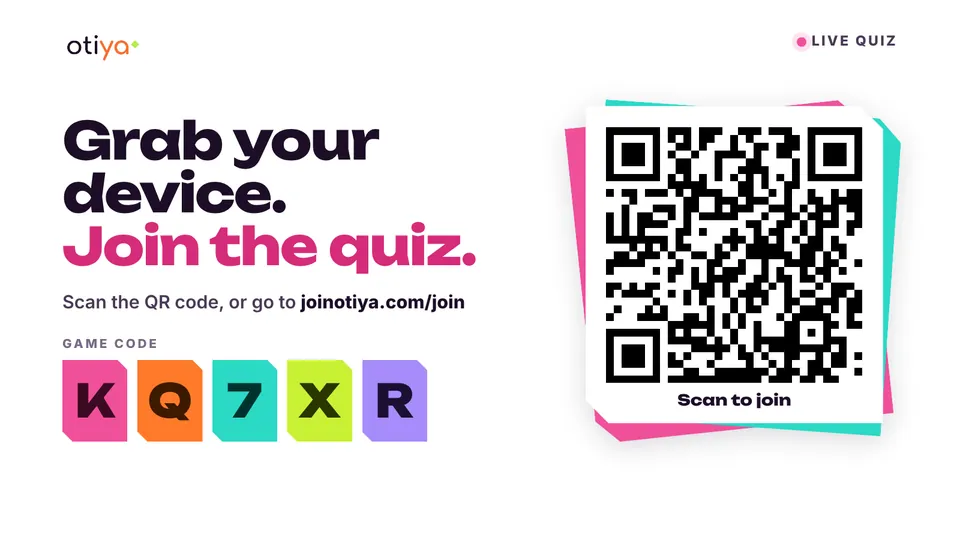
Put your game code, the join link and a QR code on a PowerPoint or Google Slides slide, or send it into a Zoom meeting. Everyone joins from their own device without leaving the room or the call.
Free on every plan, including Free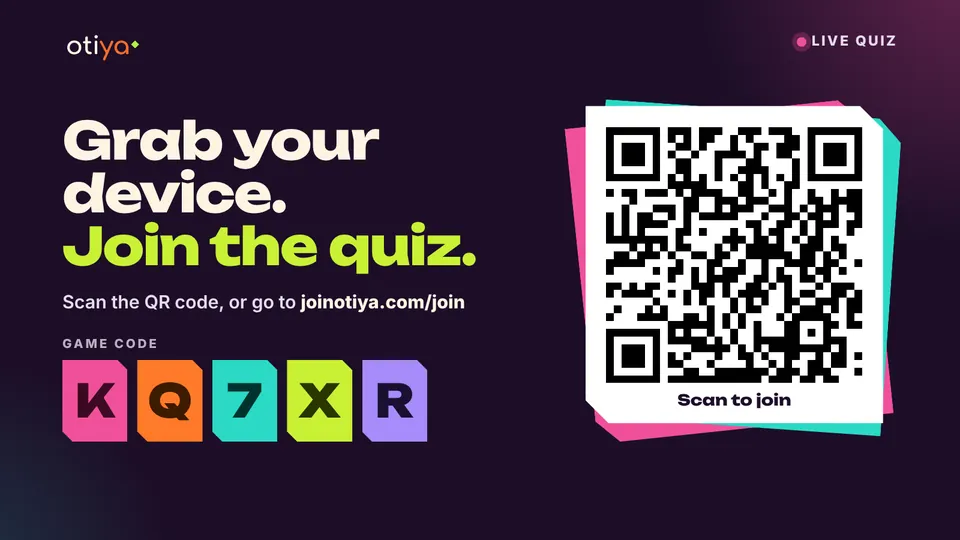
-
PowerPoint
A join slide that lives in your deck, so it is ready when you present.
- Add Otiya Live Quiz from Add-ins on the Home tab.
- Start a game on Otiya and type its game code.
- Pick a dark or light background, then present.
-
Google Slides
Adds a ready-made join slide after the slide you are on.
- Open Extensions, then Otiya Live Quiz, then Add a join slide.
- Type the game code from your host screen.
- Pick a dark or light background and add the slide.
-
Zoom
Share the game with everyone in the meeting, and players open it right inside Zoom.
- Open Apps in your meeting and choose Otiya Live Quiz.
- Start your game, then send the code to the meeting chat.
- Or invite everyone to open Otiya in Zoom with one tap.
For schools: Google Classroom and Microsoft Teams
Teachers in a school workspace can send the join link for a live game or for homework straight to Google Classroom or Microsoft Teams from the host screen. This works today. Otiya for Schools
Players never need an app or an account, on any of these. Questions? Get in touch.